Extracting Stripped Hex Screws from Aluminum Keyboard Cases
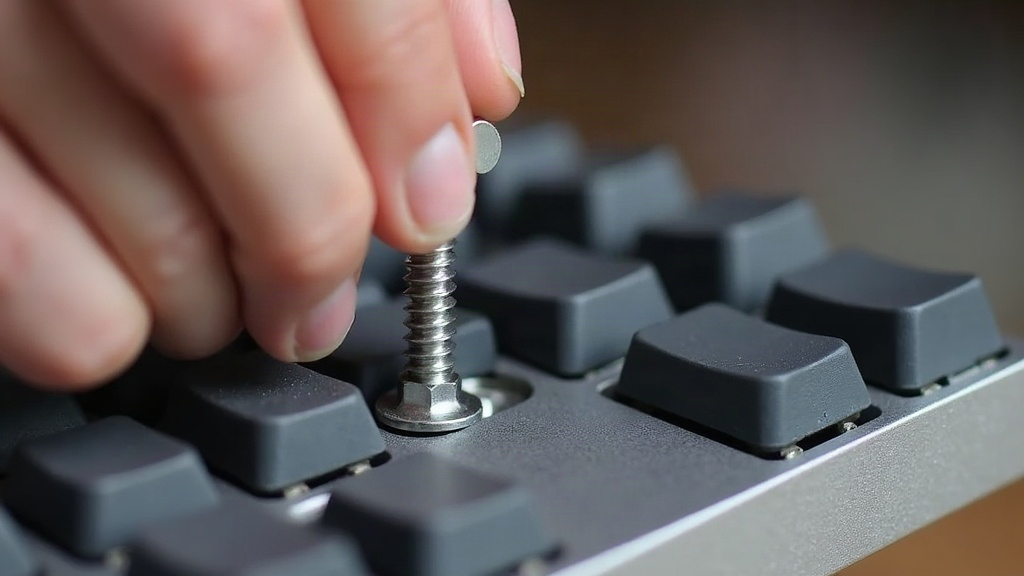
Stripped hex screws are one of the most frustrating problems in custom mechanical keyboard building. If you’ve rounded out a hex socket on your aluminum case and the screw just won’t budge, you’re not alone. Soft anodized aluminum plates paired with cheap stainless hardware cause this constantly. The good news: with the right technique and a few cheap tools, you can get that screw out without wrecking the threads or scratching up your finish.
Why Hex Screws Strip on Aluminum Cases
Before fixing the problem, it helps to know why it happens in the first place:
- Over-torquing: A lot of builders crank screws down way harder than needed, especially on gasket-mount cases where even pressure matters more than raw force.
- Wrong-size hex key: A slightly undersized or worn-down bit will round the socket in seconds.
- Low-quality hardware: Budget kits often ship with soft stainless or zinc-plated screws that deform the moment you push too hard.
- Cross-threading during assembly: A screw that went in at even a small angle can bind, and then strip the moment you try to back it out.
Once that hex socket is rounded, your hex key just spins in place with nothing to grip. That’s your cue to switch to extraction mode.
Step 1: Stop Before You Make It Worse
If the key is already spinning freely, don’t keep forcing it. That only rounds the socket out further and risks cracking the aluminum around it, particularly near screw bosses on thin-walled cases. Put the keyboard down, walk away for a minute, and gather the right tools before touching it again.
Step 2: Try a Better-Fitting Bit
Sometimes a “stripped” screw isn’t stripped at all, you’re just using the wrong bit size. Metric vs. imperial mix-ups happen all the time (1.5mm and 1/16” look basically identical side by side).
- Grab a precision hex bit set and test a few sizes until one seats with zero wobble.
- Tap the bit into the socket gently with a small hammer before turning it. This seats it deeper and gives you real grip.
- Push down firmly while turning counterclockwise, don’t just twist and hope.
Step 3: Use a Rubber Band Trick
For sockets that are only mildly rounded, lay a thick rubber band (or a cut piece of one) over the screw head, then press your hex key straight through it into the socket. The rubber fills in the stripped gaps and adds friction, and that’s often enough to break the screw loose.
Step 4: Apply Penetrating Oil
If the screw feels seized rather than simply stripped, put a drop of penetrating oil (PB Blaster, Liquid Wrench, whatever you’ve got) right at the base of the screw. Give it 10 to 15 minutes to work in. This cuts through corrosion or old thread-locker residue and makes every attempt after this one easier.
Step 5: Use an Extraction Tool
If none of that works, bring out the dedicated hardware:
- Hex screw extractor bits: Reverse-threaded, so they bite into the rounded socket as you turn counterclockwise.
- EZ-out style extractors: These need a small pilot hole drilled into the screw head first. Be careful on thin aluminum cases, you don’t want to drill straight through.
- Needle-nose vice grips: If any bit of the screw head sticks up above the surface, clamp down hard and twist.
Step 6: Drill It Out (Last Resort)
For a screw that’s both stripped and seized solid, drilling it out is your last option.
- Mark the center with a center punch so the bit doesn’t wander off target.
- Start small, around a 1/16” pilot bit, then work your way up in size.
- Drill just far enough to separate the head from the shaft, then lift the case panel free.
- Pull the leftover shaft out with pliers.
It works, but go slow. Use cutting oil, keep the drill perfectly perpendicular, and don’t let the hole elongate on you.
Preventing Future Stripped Screws
- Always use a hex key or driver bit that actually fits, never a worn-out one.
- Hand-tighten first, then finish with light torque from a driver. Aluminum cases don’t need gorilla-tight screws, ever.
- Dab a tiny bit of anti-seize or light lubricant on the threads during assembly.
- If you build often, swap the stock screws for better stainless or titanium hardware from the start.
Conclusion
Stripped hex screws on an aluminum keyboard case are a pain, but they’re almost never a reason to replace the whole chassis. Work through the non-destructive options first (a better bit, a rubber band, some penetrating oil) before you reach for extractors or a drill. Slow down, use the right tools, and your case’s finish will thank you.