Why Your Custom VIA Keyboard Isn't Recognized by KVM Switches
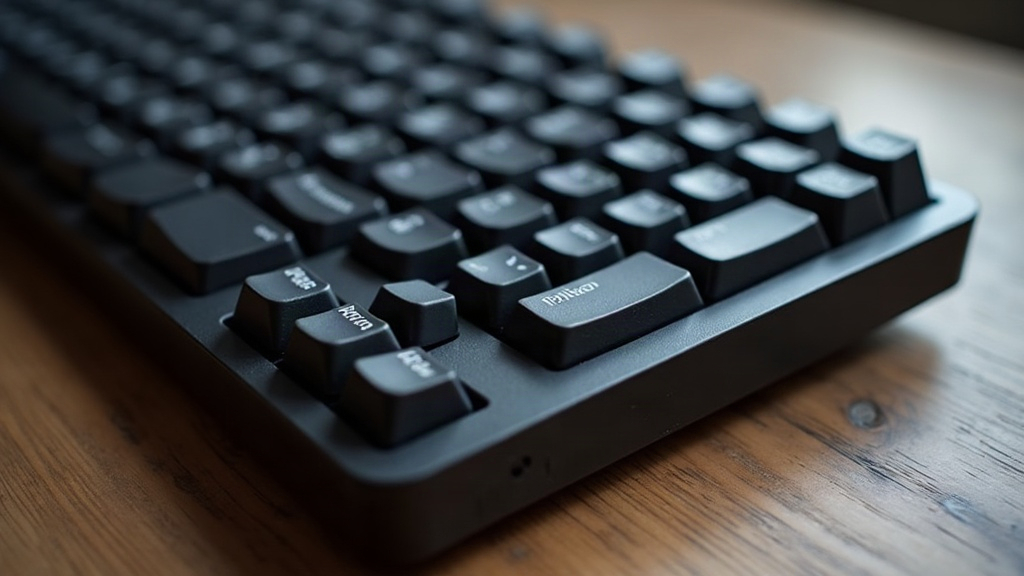
If your custom VIA-flashed mechanical keyboard runs flawlessly plugged straight into your PC but vanishes, stutters, or just stops registering keystrokes the moment you route it through a hardware KVM switch, don’t panic. Your keyboard isn’t broken. This is a well-documented compatibility gap, and it almost always comes down to how VIA/QMK boards announce themselves as USB devices versus how cheaper KVM switches handle USB descriptors, polling rates, and power. Here’s what’s actually going on, and how to fix it.
Why This Happens
1. VIA keyboards often report as composite USB devices
Most QMK/VIA boards don’t show up as one simple device. They expose multiple HID interfaces simultaneously: a standard keyboard interface, a raw HID interface (what VIA uses for live configuration), and sometimes a mouse or media-key interface on top of that. A lot of budget and mid-range KVM switches were engineered with simpler peripherals in mind, think one keyboard, one mouse, one interface each. Throw a composite device with three or more HID endpoints at them, and the internal USB hub chipset can react in a few unhelpful ways:
- Forward only one interface and quietly drop the rest
- Get confused about which interface is actually “the keyboard” and ignore the whole device
- Reset the connection repeatedly, which shows up as random, intermittent disconnects
2. VID/PID mismatches and keyboard “fingerprinting”
Some switches run a VID/PID whitelist, or parse the USB HID report descriptor against a profile tuned for the big brands: Logitech, Dell, HP, that kind of thing. Custom QMK boards usually ship with unofficial or placeholder developer IDs (the QMK default 0xFEED shows up constantly), and some KVM firmware simply refuses to recognize that as a legitimate keyboard.
3. Polling rate and power negotiation conflicts
Boards running high polling rates (500Hz up to 8000Hz is common now with QMK) or boards loaded with RGB draw more current and demand faster polling than a lot of KVM controllers were built to handle. The symptoms are pretty consistent:
- Keyboard enumerates fine, then drops out after a few seconds
- Random key repeats or dropped inputs mid-typing
- Full disconnects as soon as RGB effects kick in
4. EDID/USB emulation software on the KVM side
Certain KVMs, especially ones advertising “flash keyboard/mouse” features or remote-KVM-over-IP capability, emulate a single generic HID keyboard to the host no matter what’s actually plugged in upstream. If the internal firmware can’t correctly parse VIA’s multi-interface descriptor, it just fails silently. No translation, no input, nothing.
How to Fix It
Step 1: Confirm it’s a KVM-specific issue
Plug the keyboard directly into each computer first. Works perfectly on its own? Then the KVM is your bottleneck, not your firmware, not your cable, not a bad USB port.
Step 2: Disable unnecessary HID interfaces in VIA/QMK
Open your keymap.c or QMK config and trim things down:
- Disable
RAW_ENABLEif you don’t need live VIA remapping day-to-day (flash a leaner build once your layout is finalized) - Turn off unused features like
MOUSEKEY_ENABLEor extra media interfaces you never touch - Rebuild and flash a stripped-down firmware specifically for KVM use
Step 3: Lower your polling rate
Drop USB_POLLING_INTERVAL_MS (or whatever polling setting your QMK build uses) from 1000Hz or 8000Hz down to 125Hz. It sounds like a downgrade, but most KVM controllers genuinely can’t keep pace with aggressive polling, and 125Hz is still plenty responsive for typing.
Step 4: Turn off RGB/backlighting while using the KVM
Power spikes from RGB animations are a sneaky, common cause of disconnects, particularly on passive, non-powered KVMs that don’t have much of a power budget to spare.
Step 5: Use a powered USB hub between keyboard and KVM
This is the fix that works more often than anything else on this list. Insert a self-powered USB 2.0 hub between your keyboard and the KVM’s upstream port. It stabilizes power delivery and, in a lot of reported cases, fixes enumeration problems almost instantly. Ask around on mechanical keyboard forums and you’ll see this recommended constantly, for good reason.
Step 6: Check for a firmware update on the KVM
Brands like TESmart, CKL, and other Level1Techs-recommended units occasionally ship firmware updates that specifically improve composite HID support. Look up your exact model number on the vendor’s support page before assuming it’s a dead end.
Step 7: Try a different USB port generation
USB 2.0 ports sometimes behave more reliably than USB 3.0 ports on the same switch, thanks to differences in signaling. If your KVM has a mix of port types, it’s worth testing both before giving up.
When to Just Switch Hardware
If you’ve worked through every step above and the keyboard still won’t cooperate, it’s time to look for a KVM switch that’s been explicitly tested with mechanical or custom boards. Communities like r/MechanicalKeyboards and deskthority maintain compatibility lists built from real user reports, which is far more reliable than trusting a product listing. In general, switches built around higher-quality USB controller chips (ASIX and Genesys Logic come up a lot) handle composite HID devices noticeably better than the budget units that cut corners on the controller.
Conclusion
A VIA keyboard refusing to work through a KVM switch isn’t a defect in your board. It’s a mismatch: custom QMK firmware structures its USB interfaces in a way that a lot of KVM hardware simply wasn’t designed to expect. Trim the unused HID interfaces, dial back the polling rate, kill the RGB, and add a powered hub, and most people get it working again without spending a cent on new hardware. If none of that does the trick, buying a KVM switch with a proven track record for mechanical keyboards is the surest long-term fix.