Silencing Mechanical Keyboard Spacebars: A Studio Engineer's Guide
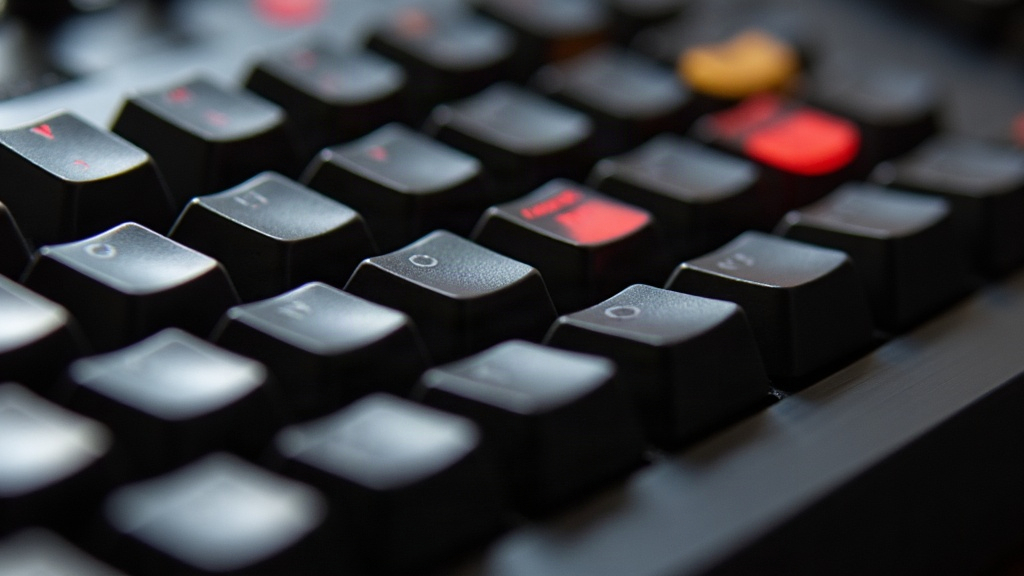
If you work in a studio, you already know the spacebar is the one key that ruins an otherwise clean take. Condenser mics pick it up constantly during voice sessions, podcast recordings, or those late-night mixing marathons when everyone thinks they’re being quiet. Here’s the good news: with the right stabilizer mods, switch choices, and dampening techniques, you can cut spacebar noise by 80-90% without sacrificing tactile feel. This guide walks through the exact methods studio engineers use to quiet their boards.
Why the Spacebar Is the Loudest Key
The spacebar is the longest key on the board, so it relies on a stabilizer wire (the stabilizer bar) to keep both sides level when pressed. That extra bit of hardware is almost always the culprit behind:
- Rattle - loose stabilizer wire shifting around inside the housing
- Tick - the wire hitting plastic on the downstroke
- Hollow thock or clack - resonance inside an unfilled case or a thin keycap
Unlike regular keys, the spacebar combines mechanical switch noise and stabilizer noise. Fix one without the other and you still won’t get to studio-quiet.
Step 1: Mod the Stabilizers (Biggest Impact)
Most spacebar noise complaints get solved right here, before you touch anything else.
- Lubing the stabilizers - Apply a dielectric grease or dedicated lube (Krytox 205g0 and Permatex are the usual go-tos) to the wire, the housing contact points, and the stem. This step alone kills most of the tick and rattle.
- Band-Aid mod / clip mod - Slip a thin strip of foam, silicone, or an actual adhesive bandage between the stabilizer housing and the PCB. It stops the wire from clacking against the plate.
- Switch to screw-in stabilizers - Clip-in stabilizers (common on budget boards) wobble more than they should. Screw-in versions are far more stable and quieter by design, it’s not even close.
- Stabilizer wire bending - Fine-tune the “V” at the end of the wire so it seats snugly, with no extra play.
Step 2: Choose Quieter Switches
Even a perfectly lubed stabilizer won’t save you if the switch underneath is loud.
- Silent linear switches (silent reds, silent blacks) use internal rubber pads on both the up and down stroke to dampen the click.
- Silent tactile switches give you bump feedback without the audible snap of standard tactiles. A solid middle ground for engineers who want feel without noise.
- Skip clicky switches (the blue-style ones) entirely in any room with a mic. They’re engineered to be loud; that’s literally the point.
Step 3: Dampen the Case and Plate
- Foam mod - Add a layer of foam (cut-up mouse pad material works surprisingly well) between the PCB and the bottom case to cut hollow resonance.
- Switch films - Thin plastic films between the switch’s top and bottom housing reduce wobble-induced rattle.
- O-ring dampeners - Small rubber o-rings under the keycaps shorten travel slightly and cushion the bottoming-out sound. Especially useful on the spacebar, since it’s the most-pressed key on the board by a mile.
Step 4: Keycap and Material Choices
- PBT keycaps produce a deeper, less sharp sound than thin ABS caps.
- Heavier, thicker keycaps reduce the high-frequency “ping” that mics pick up so easily.
- Steer clear of extra-long novelty spacebars without reinforced stabilizers. More length just means more potential for rattle.
Step 5: Positioning and Mic Technique
Even a perfectly modded board will make some sound. For sessions where the keyboard has to stay live:
- Position the mic off-axis from the keyboard and let its natural noise rejection do some of the work.
- Use a desk mat or isolation pad under the keyboard to cut down on vibration and thump transmitted through the desk.
- For voiceover work, consider a push-to-talk setup so the keyboard is only “hot” when needed, or just mute the channel while typing.
Quick Checklist for a Studio-Ready Board
- Switch to screw-in stabilizers if you haven’t already
- Lube stabilizers and switches
- Add foam/Band-Aid mod to stabilizer housings
- Install silent switches
- Add case foam dampening
- Use PBT keycaps with o-ring dampeners on frequently-used keys
Conclusion
A loud spacebar doesn’t mean you have to give up mechanical keyboards in the studio. It just means your stabilizers and switches need some attention. Start with stabilizer lubing and a Band-Aid mod, that handles the bulk of the rattle and tick complaints on its own, then layer in silent switches and case foam for a genuinely quiet, mic-friendly typing experience. Do all that and you keep the tactile feel you love, and it never shows up in your recordings.